
Secure vaults for confidential work
Every sensitive workflow, protected inside its own vault.
Keep files, folders, access controls, and activity history together—protected by private keys that remain on your trusted devices.
The product model
One vault. Everything in context.
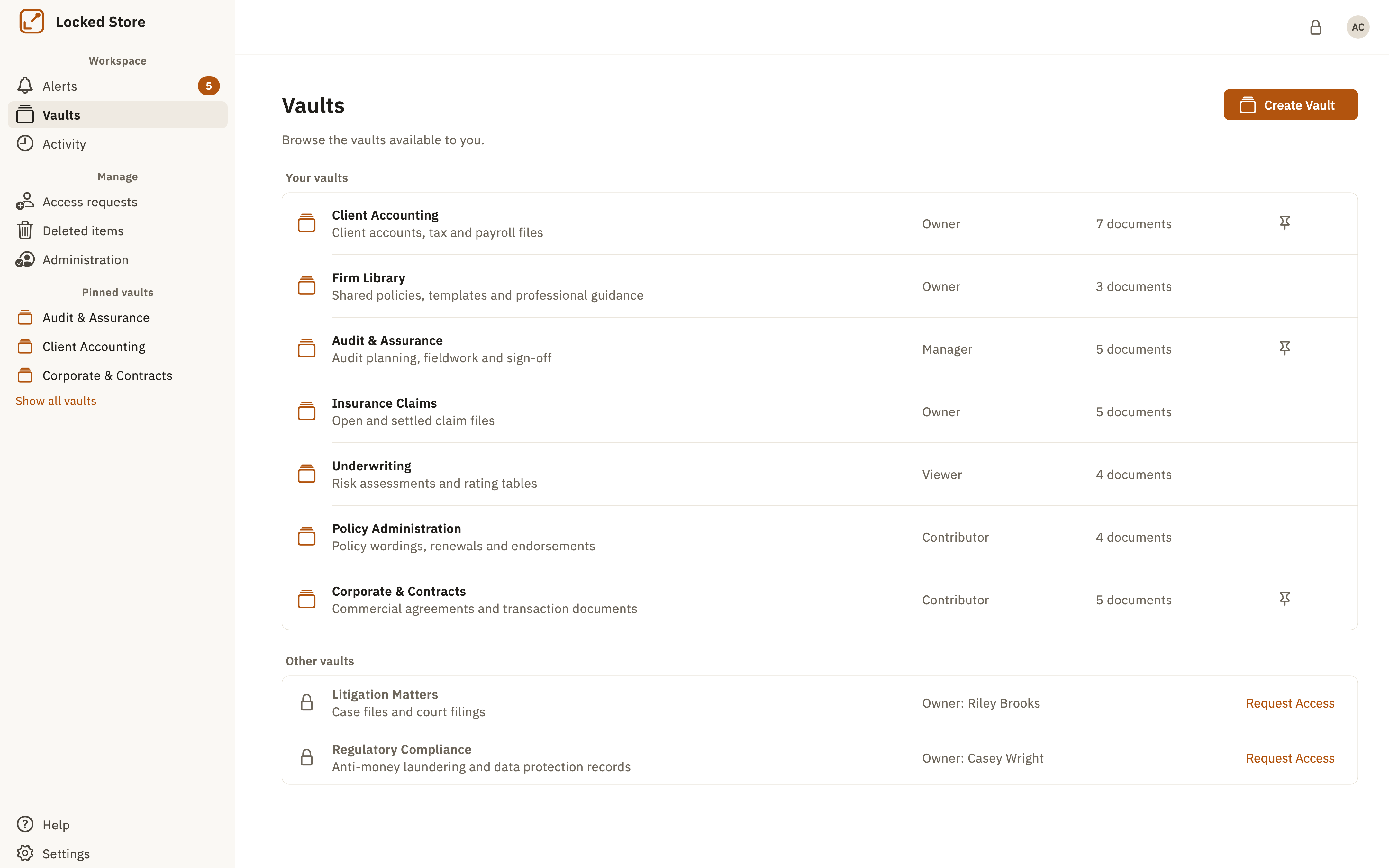
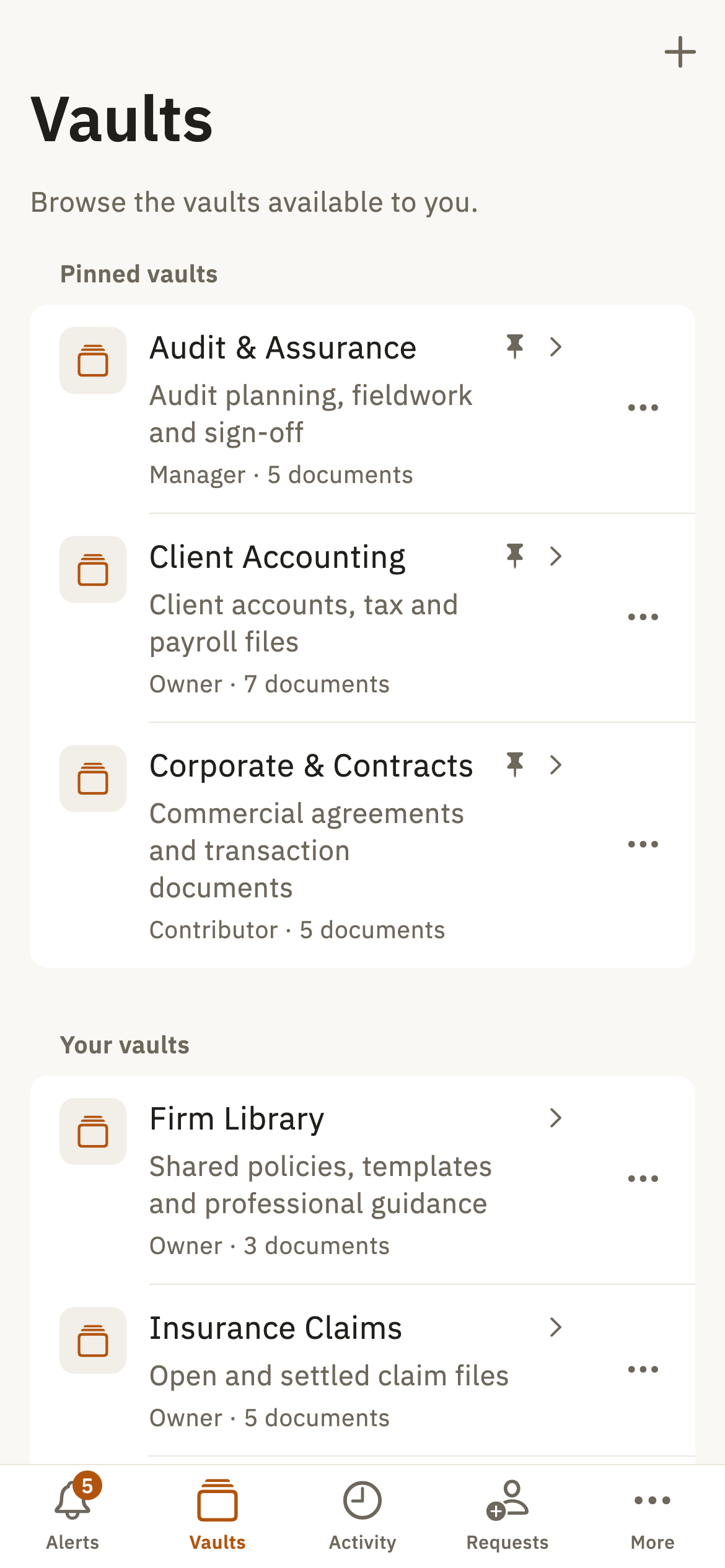
Create a separate vault for each client, matter, project, or team, then keep the work and the people around it together.
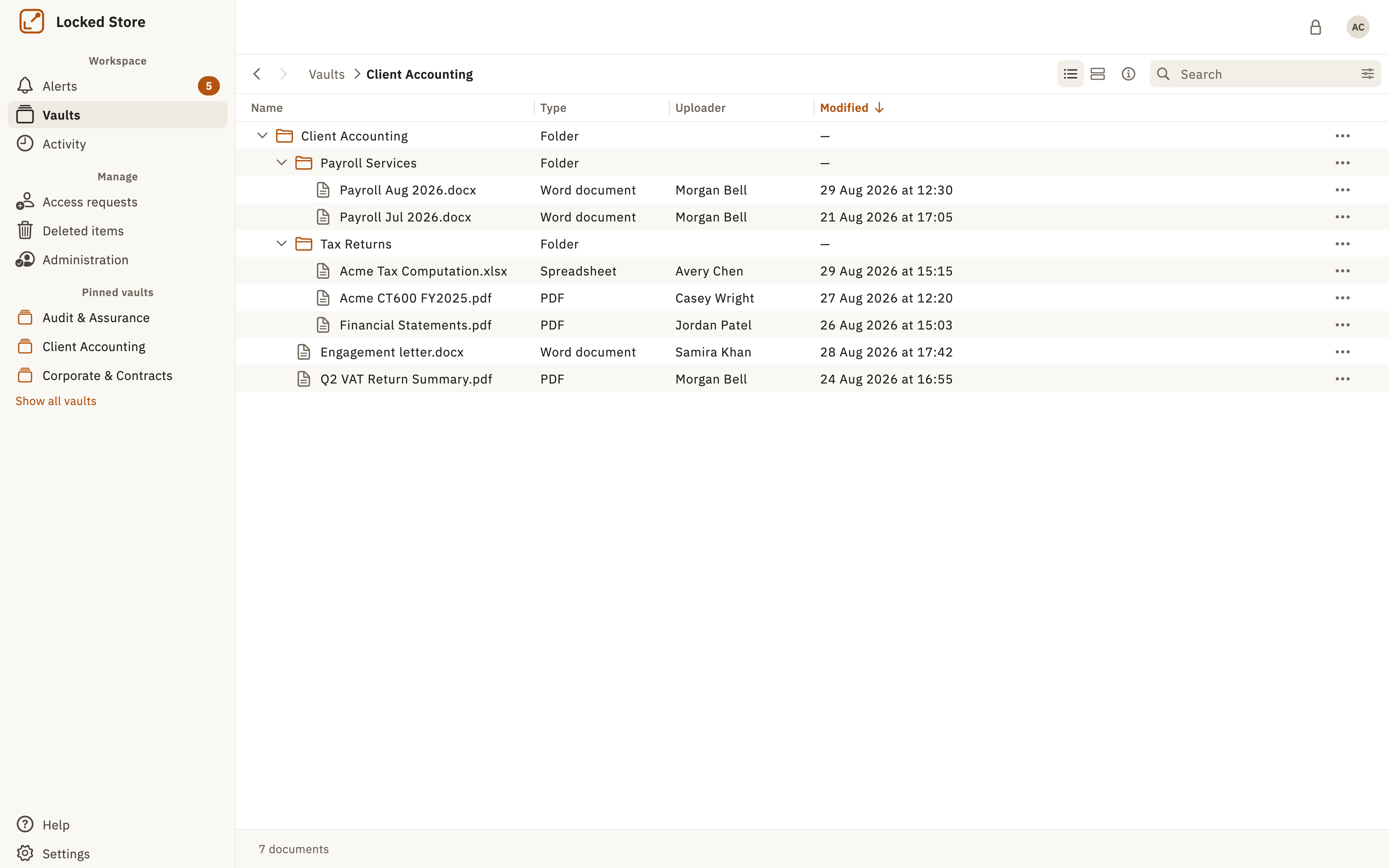
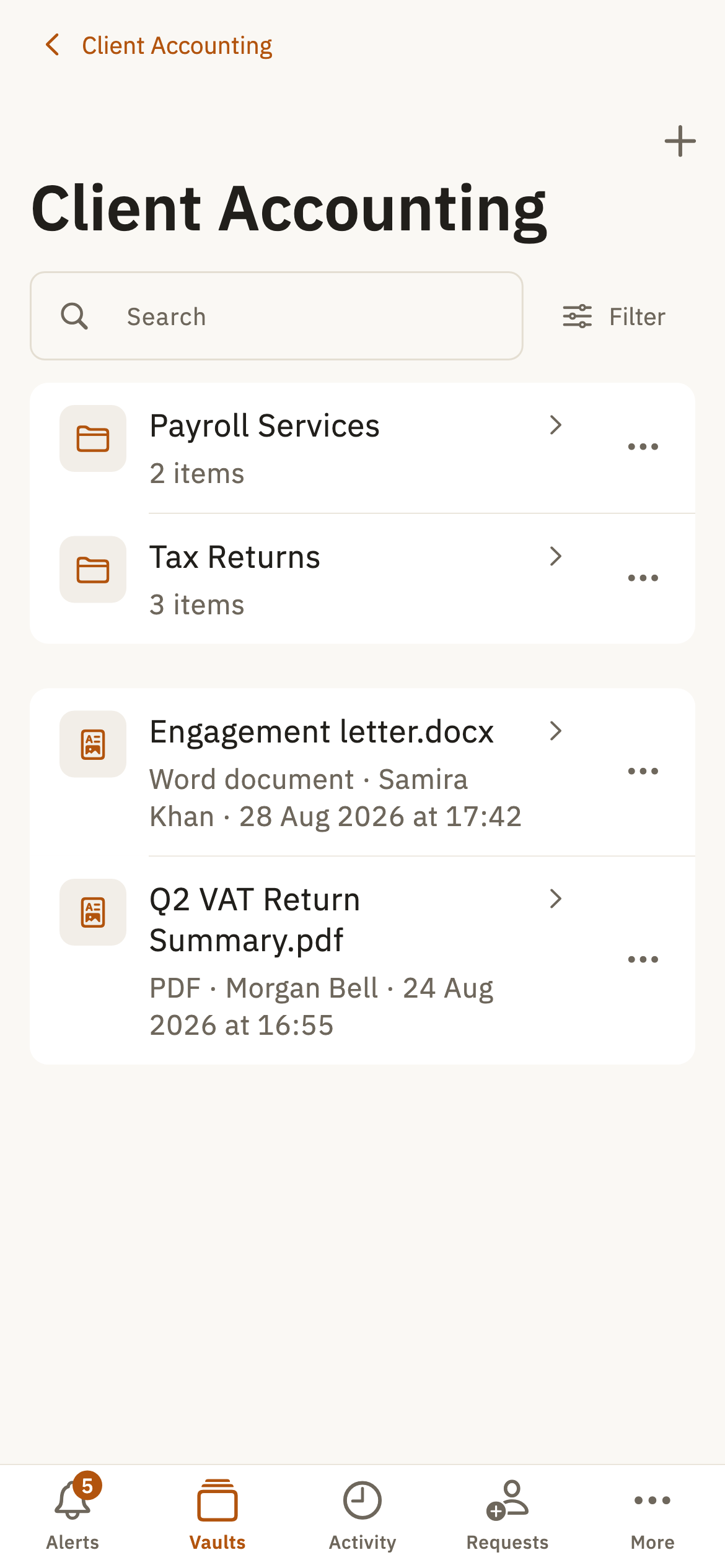
Files and folders
Organise confidential records around the work they support.
Members and access
Give approved colleagues and clients access to the right vault.
Controlled sharing
Exchange documents without returning to uncontrolled email attachments.
Activity history
Maintain a clear record of important vault and document activity.
A guided capability story
From creating a vault to staying in control.
Each capability appears when it becomes useful, keeping confidential work clear from setup through handover.
Create a vault for each context.
Separate clients, matters, projects, and teams cleanly.
Vaults and structure
Keep documents organised together.
Organise files and folders in the same protected space.
Files and folders
Work with the right people.
Invite approved colleagues and clients without falling back to uncontrolled email attachments.
Members, sharing, and access
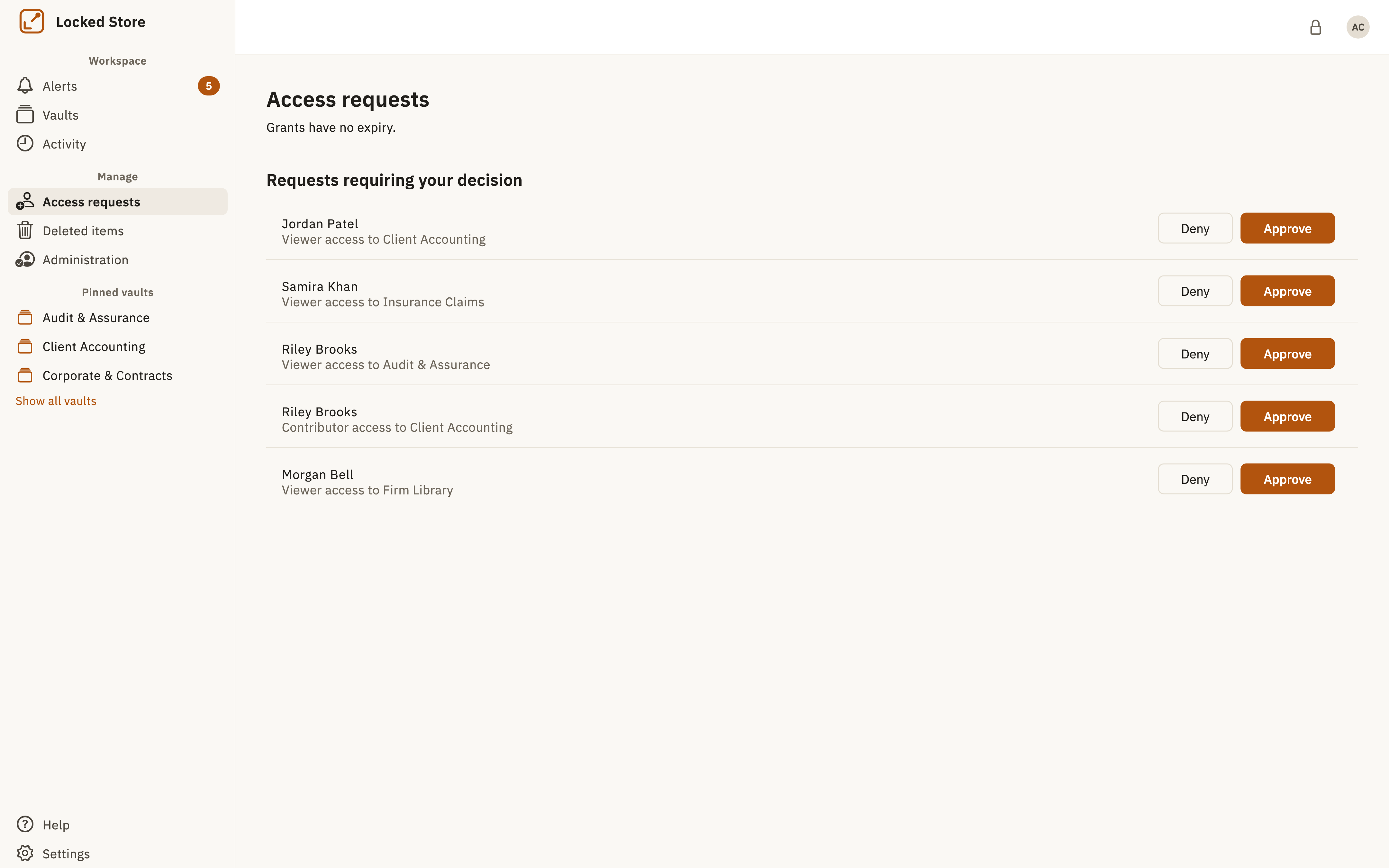
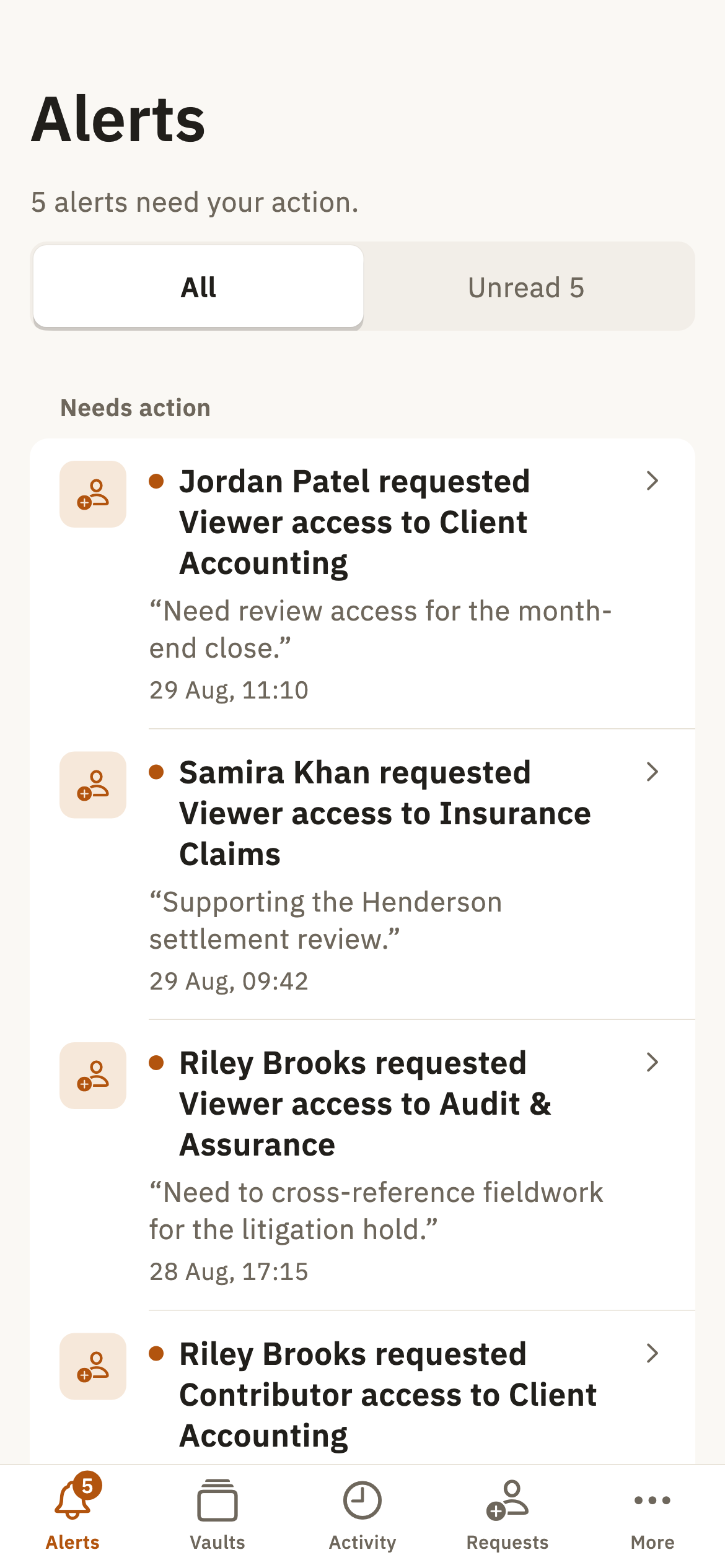
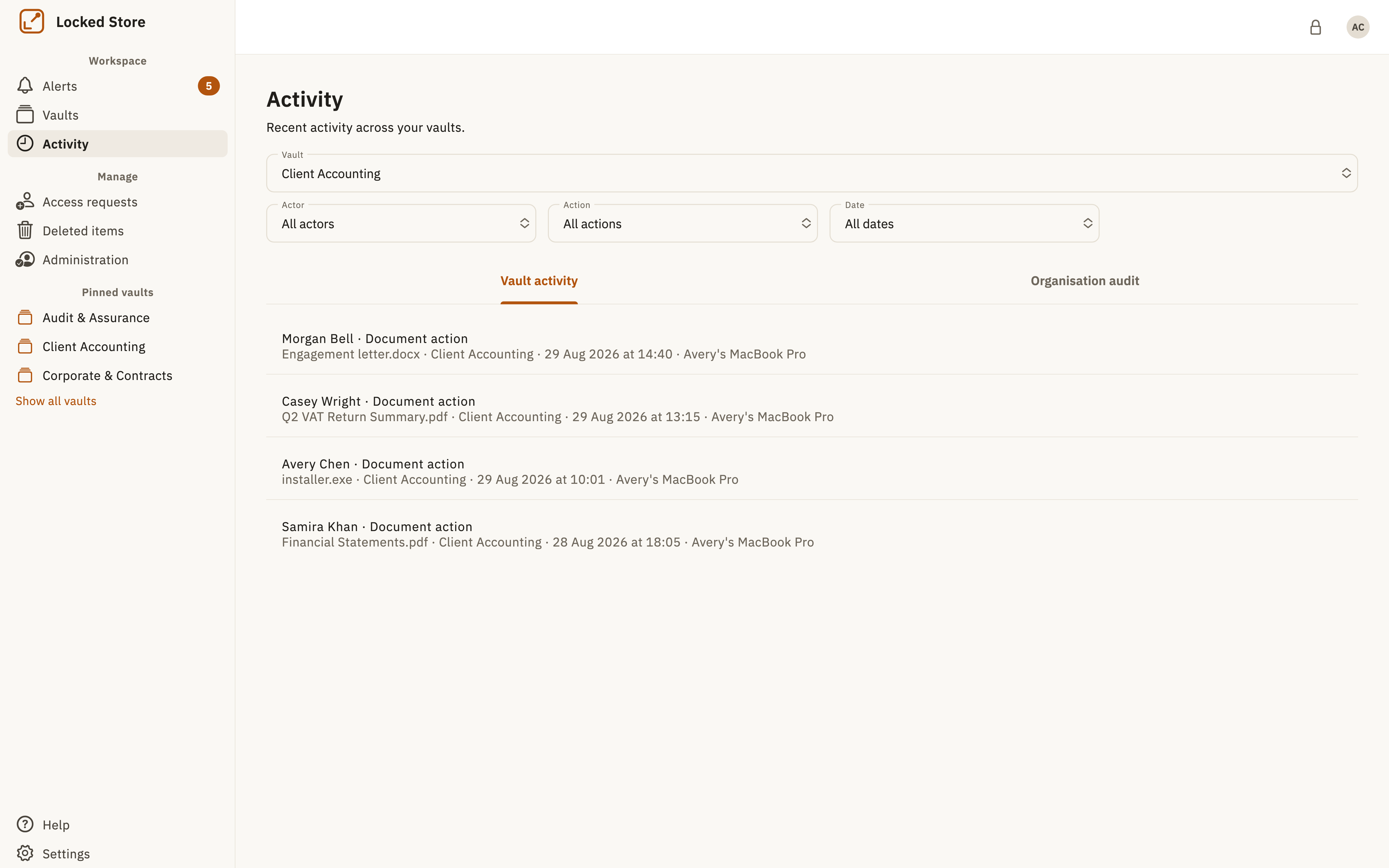
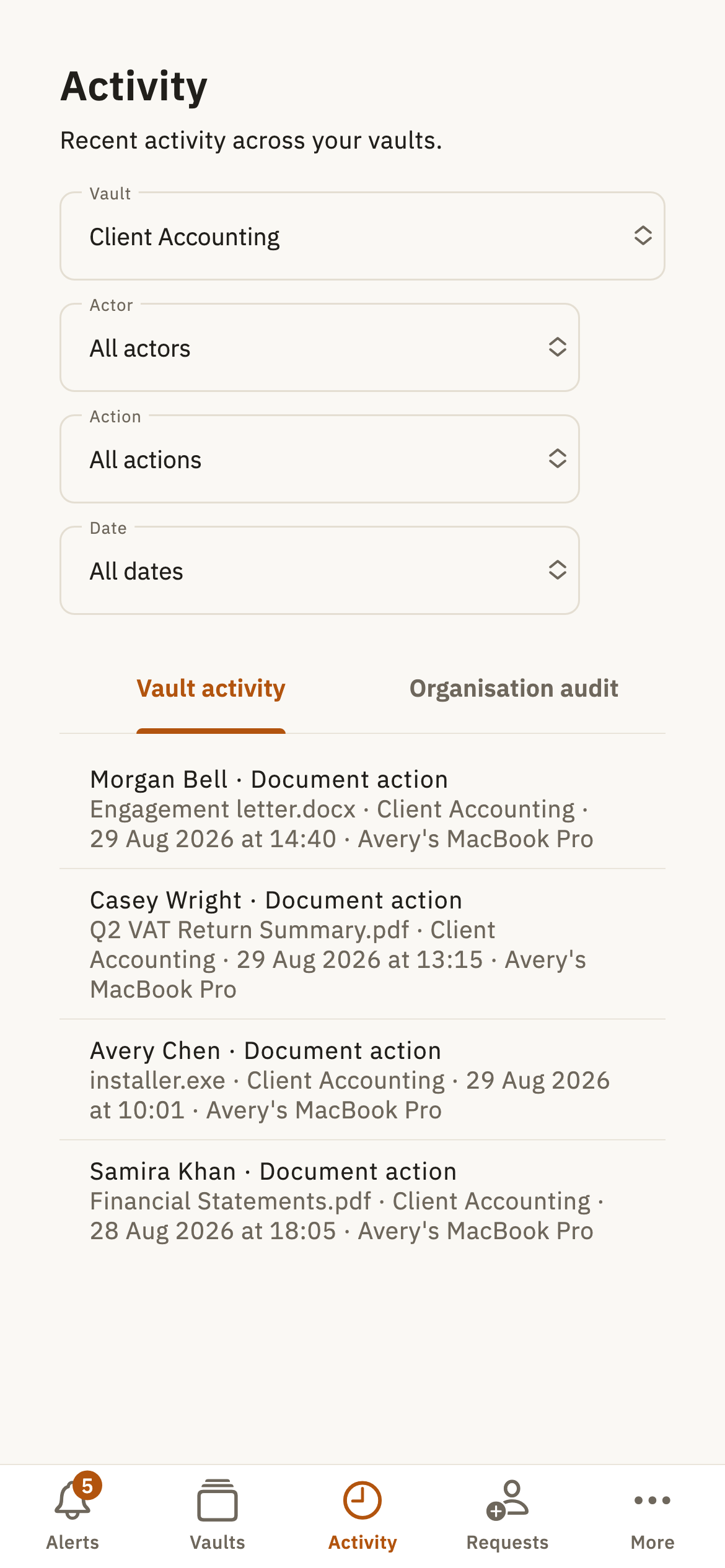
Retain control as work changes.
Review activity, change or remove access, and retire documents intentionally.
History, administration, and secure deletion
Private by design
Your private keys never leave your trusted devices.
Locked Store never receives the private keys required to decrypt your vault content.
Business outcomes
Protection that makes confidential work easier to manage.
- Reduce scattered documents and uncontrolled email attachments.
- Give clients a more controlled way to exchange documents.
- Keep access, activity, and handovers clearer as teams and engagements change.
Ready to bring confidential work into secure vaults?
Register your interest today, or explore the security model first.